PoolTrack vs Pool Math: An Honest Comparison (2026)
Pool Math, made by the Trouble Free Pool forum, is the default chemistry app for a generation of DIY pool owners. We built PoolTrack because we thought a few things could be better. Here's an honest look at both — including where Pool Math still wins.
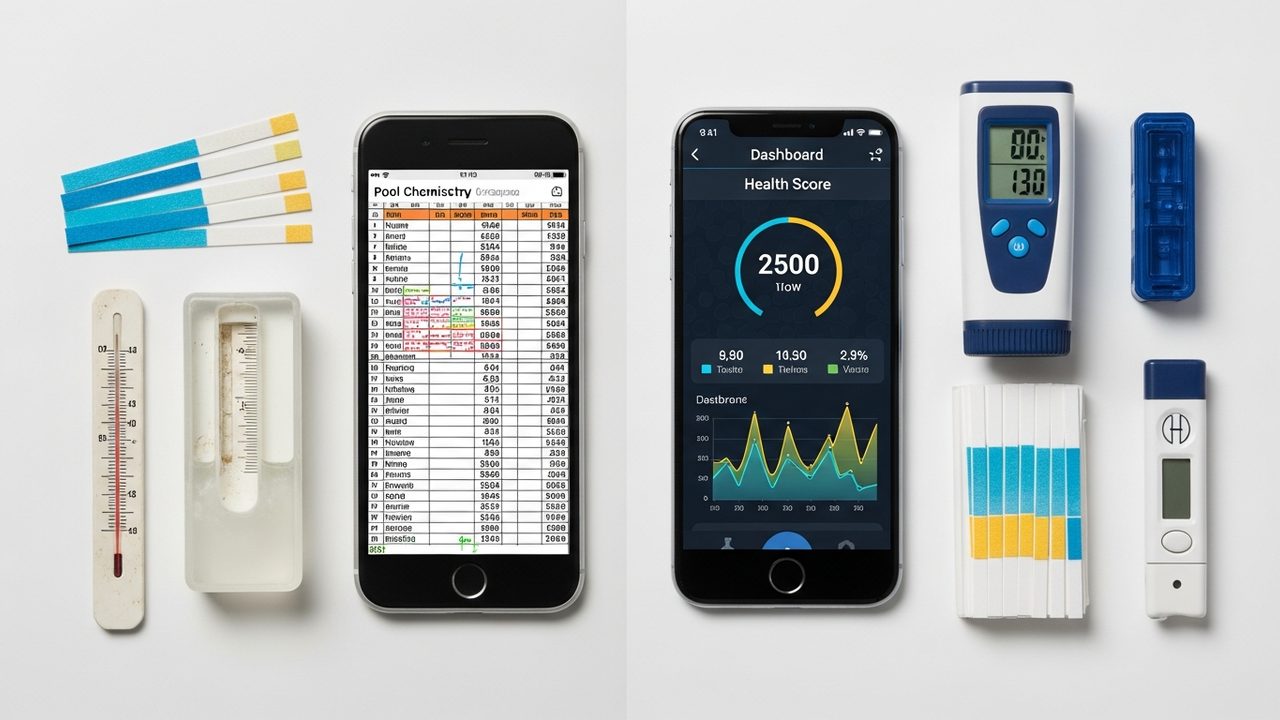
TL;DR
- Pool Math is a solid, battle-tested chemistry calculator backed by the TFP community. It's the right choice if you live on the TFP forum, want something dead-simple, and don't mind a dated interface.
- PoolTrack is a rebuild of the same TFP-based chemistry with modern extras: predictive trend alerts, a Telegram bot, an AI chemistry advisor, weekly email digests, Quick Fill, and a faster UI. Free plan included.
- If Pool Math already works for you, stay. If you've wished it did more — or you want to stop checking your pool and start being told when something's off — PoolTrack is worth a try.
What Pool Math does well
We need to acknowledge what Pool Math gets right before picking at edges:
- Rock-solid dosing math. The calculations are derived straight from the TFPC method and peer-reviewed on the TFP forum by people who know pool chemistry cold.
- Forum integration. When you post a reading on TFP, experienced members can see your logged history and give advice grounded in context.
- Low price. The basic calculator is free; the paid tier is inexpensive.
- No-nonsense philosophy. No gimmicks, no upsells dressed up as features. It respects your time.
That's a pretty good list. It's also why Pool Math has been the default recommendation on forums and Reddit for a decade.
Where Pool Math starts to feel tight
Pool Math is a calculator with a log. That's a deliberate design choice — but in 2026 a lot of pool owners want more.
- It's reactive. It tells you what to add after you notice something's off. It doesn't warn you before a problem forms.
- Entry friction. Logging means opening the app, tapping through menus, and typing numbers — poolside, often with wet hands.
- UI conventions are dated. The interface works but doesn't reward returning to it. There's no dashboard view that summarizes "how's my pool doing right now."
- No report output. Beyond in-app charts, there's nothing you can hand to a pool tech or file with an HOA.
- No AI guidance. If a reading looks weird, you're on your own (or heading to the forum).
Feature-by-feature comparison
| Feature | Pool Math | PoolTrack |
|---|---|---|
| Free plan | Yes — basic calculator | Yes — 1 pool, 25 readings |
| Dosing calculator (TFP-based math) | Yes | Yes |
| CYA-aware FC targets | Yes | Yes |
| LSI (Langelier) with CYA correction | Basic | Yes |
| Reading history & trend charts | Yes | Yes, with 90-day trend view |
| Pool health score | No | Yes — single-glance status |
| Predictive trend alerts | No | Yes (Plus) |
| Weekly email digest | No | Yes (Plus) |
| Log readings via Telegram bot | No | Yes — free plan too |
| Quick Fill parser | No | Yes (Plus) |
| AI chemistry advisor | No | Yes (Plus) |
| PDF report export | No | Yes (Plus) |
| CSV export | Yes | Yes (Plus) |
| Multiple pools | Yes | Up to 3 (Plus) |
| Dark mode / modern UI | Limited | Yes |
| Open forum integration | Yes (TFP) | No |
| Price (paid tier) | ~$8 / year | $7 / month or $60 / year |
Where PoolTrack wins
1. Predictive trend alerts
Pool Math plots history. PoolTrack plots history and then forecasts the next 7 days based on your drift rate, weather patterns, and chemical behavior. If your FC is trending toward depletion by Saturday, we tell you Thursday. If your pH is climbing 0.1 a day and heading to 8.0, we tell you before it gets there.
This is the single biggest reason owners switch: they stop losing weekends to chemistry crises.
2. Logging via Telegram
Poolside, one-handed, wet phone? Text the PoolTrack bot "pH 7.6 FC 3.2 TA 90" and it logs it. No app open, no menus. This is objectively the fastest way to log readings we've tested — and it's on the free plan.
3. AI chemistry advisor
On Pool Math, an unusual reading means heading to the forum. PoolTrack's AI advisor looks at your last 30 days of history, your pool profile (salt vs chlorine, plaster vs vinyl, size), and the current reading, and tells you what's likely going on. It's not a replacement for the TFP forum — but it's a faster first read.
4. Weekly Pool Report
Every Sunday, Plus subscribers get an email: chemistry averages for the week, health score trend, treatments logged, and anything that needs attention. It's the "how's my pool actually doing" view that a log-first app can't really provide.
5. PDF export
Selling your house and want a clean record of water balance? HOA asking for proof? Insurance claim after a storm? PoolTrack exports a formatted PDF report. Pool Math doesn't have an equivalent.
6. A UI you'll actually open
Subjective, but: PoolTrack's dashboard shows your current chemistry at a glance with color-coded status, a single health score, and what's next to check. You can do the "everything okay?" check in 3 seconds instead of navigating tabs.
Where Pool Math is still the better pick
We want to be fair here — Pool Math isn't obsolete. You should stay on Pool Math if:
- You're active on the TFP forum and want your readings visible there for help.
- You don't want a subscription relationship — ever. Pool Math's paid tier is cheaper per year than PoolTrack Plus, full stop.
- You explicitly don't want forecasting, AI, or extras — you want a calculator and a log. Nothing else.
- You've been using it for years, your muscle memory is built, and nothing in the list above sounded valuable to you.
There's no shame in that. The best pool app is the one you'll actually open.
Thinking of switching?
You don't need to commit. A reasonable test:
- Sign up for PoolTrack free — no card required. Takes 60 seconds.
- Log your next 2 weeks of readings in both apps in parallel.
- See which one you open without being asked. That's your winner.
If you want to bring historical readings across, you can — most users just enter the last 4 weeks manually so the trend charts have something to work with. Older history isn't load-bearing day to day.
FAQ
Does PoolTrack use the TFP method?
Yes. Our FC/CYA targets, shock calculations, LSI with CYA correction, and dosing recipes all follow TFPC. We think TFP got the chemistry right — we just wanted to build a more modern shell around it.
Is there a free plan?
Yes. The free plan includes 1 pool, the last 25 readings, the full dosing calculator, the pool health score, treatment log, and Telegram logging. Most weekend owners are fine on the free plan indefinitely.
Can I cancel anytime?
Yes — Plus is month-to-month (or annual for a discount), cancelled from the Stripe portal in two clicks. You keep access until the end of your billing period and your data stays put.
Is my data portable?
Yes. Plus includes CSV export of every reading and treatment, plus a full JSON account export of everything we store on you. Your data is yours.
Will you be around in 5 years?
Fair question — software graveyards are full of ambitious pool apps. We charge enough to run a sustainable business (not a loss-leader VC burn), and we host on Firebase so even if the worst happened, your data export would still be a one-click operation. Pool Math's longevity advantage is real and we respect it.
Try it — it's free
The fastest way to decide is to use PoolTrack for a week. No card, no trial clock — just log a few readings and see whether the predictive alerts, Telegram logging, and dashboard earn a place on your home screen.
Keep reading
- TreatmentHow to Shock a Pool (and How Much Shock You Actually Need)Skip the mystery bag of shock. Use your CYA to set the real target, dose liquid chlorine, and retest until free chlorine holds overnight.
- TroubleshootingCloudy Pool Water: Causes and How to Clear ItCloudy water is a diagnosis, not a product. Work through filtration, free chlorine, and pH before you dump another bottle of clarifier.
- DosingHow Much Liquid Chlorine to Add to Your Pool (With Dosing Charts)A plain-English dosing guide with tables for 10k, 15k, 20k and 30k gallon pools — plus when to add, how to shock, and how to avoid wasting chemicals.
- TroubleshootingPool pH Too High: How to Lower It Safely (Step-by-Step)Why pH climbs, how much muriatic acid you actually need, and the aeration trick that lowers total alkalinity without tanking your pH.